Survival Log Stockpile Hub
Hoard smart before the city tips into outbreak chaos.
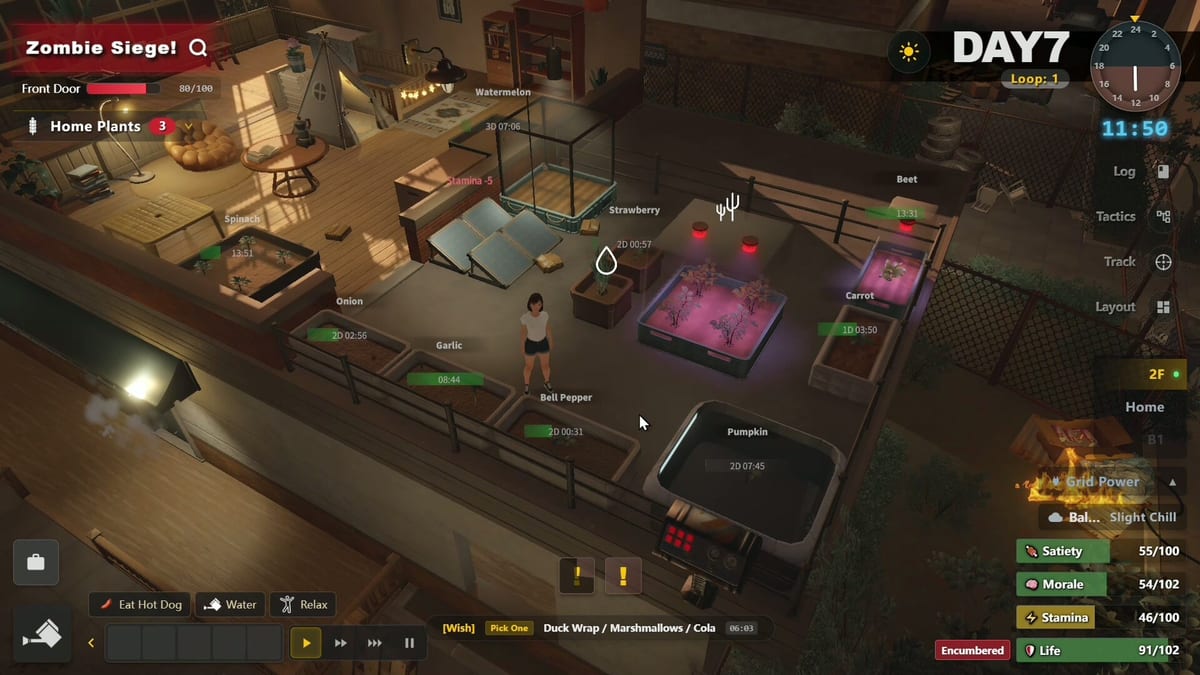
The Stockpile Hub covers everything you should gather before Survival Log flips from ordinary errands into zombie survival. In this Midnight Workshop and Lilith Games sim, the pre-disaster phase is not flavor text. It is the main skill check. Shelves you fill now decide how many nights you can hold the safehouse after August 12 style outbreak pressure begins in your run.
Why stockpiling is the real tutorial
Many players treat shopping as a shopping minigame and then panic when hunger and morale crash together. Read How to Stockpile for the loop, then specialize with Food and Water, Furniture and Appliances, and Fuel and Power Gear. The Priority Checklist is the short version you can keep open beside the demo.
Food first, vanity later
Calories and clean water outrank decorative clutter. Cooking appliances only matter if you also protect a kitchen workflow described in Cooking and Farming and Cooking Space. Fuel cans, extension thinking, and generator adjacency belong with Power Grid rather than impulse buys that look cool in screenshots.
Planning Points and shopping days
Every trip costs Planning Points and stamina. The Time Loop and Planning Points page explains why two focused purchases beat five messy ones. Pair that with the Day Planner and Stockpile Planner tools when you want a numeric checklist. Role perks from Worker or College Student can change how far you walk before morale dips.
Link stockpile to defense
Boards, tools, and trap materials are stockpile items with a defense job. After you secure calories, move into How to Defend and Traps. Furniture that blocks lines of sight still needs door and window upgrades from Fortify Doors and Windows.
Demo versus full release mindset
The live demo already teaches the hoarding fantasy that defines Survival Log. Use this hub to practice restraint: leave some budget for diesel, solar bits, and manual backup options covered in How to Manage Power. When the full release arrives, the same priority ladder should still apply even if catalogs expand.
Buffer language you should steal
Speak in buffers, not purchases. A water buffer means you can cook tomorrow without leaving. A fuel buffer means the generator can finish a repair day. A board buffer means a breach becomes a repair job instead of a restart. When friends ask what to buy, answer with buffer names, then point them to Food and Water or Fuel and Power Gear.
Pre-disaster countdown mindset
Even when the demo does not show a literal countdown sticker on every corner, play as if ordinary streets are temporary. That mindset stops novelty shopping. It also makes drone trade later feel like a bonus instead of an excuse. If you catch yourself browsing without a thesis, close the outing and organize shelves using Floor Layout ideas.
Teaching someone else to stockpile
If you are writing notes for a friend, give them three links only: this hub, How to Stockpile, and Priority Checklist. Extra links come after their first successful quiet night. Stockpile skill is contagious when kept simple and cruelly ordered.
Checklist dimensions deep dive
Use Checklist Dimensions for the seven-category / eighteen-dimension Stockpile Checklist framing from Dev Logs, then mark gaps in the Stockpile Planner and buy in Priority Checklist order.
Frequently Asked Questions
Quick answers to the most common survivor questions.
What should I buy on day one?
Water, shelf-stable food, basic cooking gear, then fuel or manual power backups before luxury furniture.
Is furniture worthless early?
No. Storage and sleep quality matter, but only after calories and a minimum power plan exist.
How does drone trade affect stockpiling?
Drone trade can refill gaps later, yet demo-safe play still assumes you built a buffer before the outbreak phase.
Where is the checklist?
Open Priority Checklist under Stockpile, or use the Stockpile Planner tool for a structured list.